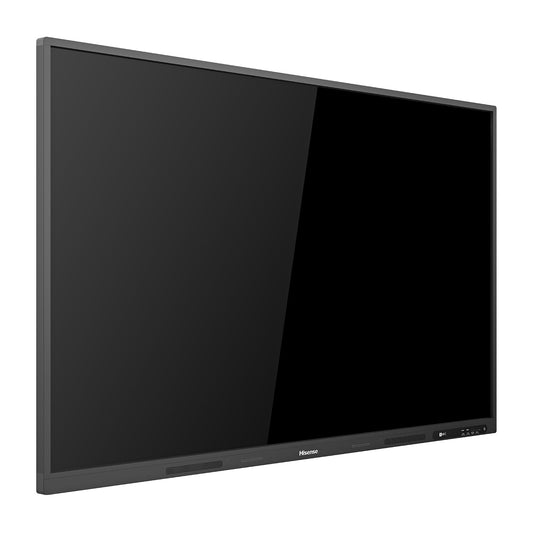
Collection: Our Interactive Flat Panels Collection - Smart-boards.com

Every interactive flat panel we supply, across 25 manufacturers, for classrooms, meeting rooms, boardrooms and training spaces throughout the GCC and Africa. If you already know the brand, go straight to it from the links below. If you are still choosing, the three questions here settle most specifications.

1. What size does the room need?

Size by the back row, not by the wall. A workable rule for a 16:9 panel is that the furthest viewer should sit no more than about six times the screen height away — roughly 4.8 m for a 65 inch, 5.6 m for a 75 inch, 6.4 m for an 86 inch, and 7.3 m for a 98 inch. A panel too small for the room is the most common complaint after handover, and unlike almost everything else it cannot be corrected later.

2. Is the software part of the requirement, or part of the brochure?

This is what separates the price tiers. The education specialists — SMART, Promethean, Clevertouch — carry lesson software with years of classroom adoption, teacher resource libraries and school-oriented device management. That premium is earned only if teachers are trained to use it. If training is not funded, or staff will use tools they already have, the value tier — MAXHUB, Specktron, Trend, Prestigio — fits more rooms for the same budget and delivers much the same daily use.

3. Does the room also need to join calls?

If so, decide between an all-in-one unit with camera and microphones built in, such as HUAWEI IdeaHub, and a panel plus separate conferencing kit from Video Bars or Room Systems. All-in-one is faster to install and simpler to support; separate components suit awkward room shapes and specific platform certifications.

Browse by manufacturer

BenQ · Samsung · LG · ViewSonic · MAXHUB · SMART · Promethean · Newline · Clevertouch · Specktron · iiyama · Hisense · HikVision · Dahua · InFocus · NEC · Sharp · Prestigio · Trend · HUAWEI · OneScreen · Vestel · ELO · Dell · Microsoft

Buying and support

Quote-only, with pricing set by destination country, duty, quantity and installation scope. Mounting, compute modules and software are specified separately: Mounts & Stands, OPS PC & Compute, Software & Licenses.

Send room counts, back-row distances, whether conferencing is in scope and the destination countries, and we will specify the panels and quote delivered and installed.

How to choose an interactive flat panel for GCC and Africa classrooms

An interactive flat panel is an all-in-one touchscreen display that replaces the projector and whiteboard, letting teachers and presenters write, annotate, cast content and run apps directly on the glass. Modern smart boards combine a 4K UHD screen, multi-point capacitive or infrared touch and an embedded Android system, so lessons and meetings start without a separate computer.

When choosing a panel, match the screen size to the room and viewing distance: 65" and 75" suit smaller classrooms and huddle spaces, while 86", 98" and 110" work for lecture halls, auditoriums and large boardrooms. Look for a Google-certified EDLA build if you need the Play Store and secure updates, an OPS slot if you want a slide-in Windows PC, and check touch points, anti-glare glass and stylus support for how your teams will actually work.

Typical use cases span interactive lessons, collaborative brainstorming, video calls and digital signage during downtime. Because our panels are supplied and delivered across the UAE, Saudi Arabia, Qatar, Kuwait, Oman, Bahrain and African hubs such as Accra, Johannesburg and Cairo, you can standardise a single specification across multiple sites. Hardware is covered by the manufacturer's OEM warranty, with our team assisting on installation, mounting and first setup. Request a quote.