


Choosing a Microsoft Surface Hub for collaboration
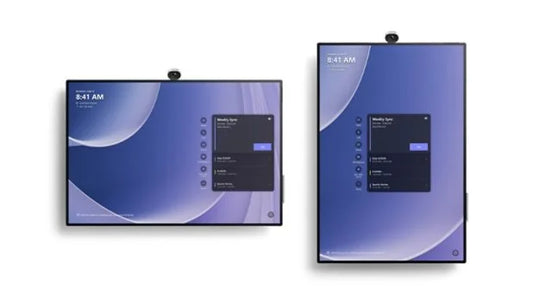
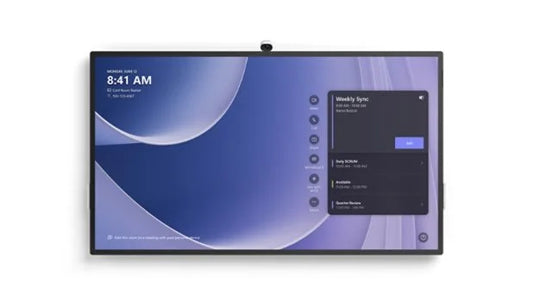
Microsoft Surface Hub interactive collaboration displays are built around the Microsoft 365 experience, bringing 4K touch, integrated Teams video calling and digital whiteboarding into one device. For organisations already working in Microsoft tools, this creates a seamless surface for hybrid meetings, co-authoring and interactive sessions, well suited to corporates, government bodies and universities.
Selecting the right Surface Hub means considering room size and how teams meet. Smaller formats fit huddle rooms and focus spaces, while larger displays suit boardrooms, training rooms and lecture halls where everyone needs a clear view. Weigh how often teams rely on Teams calls, wireless sharing from laptops and phones, and the shared whiteboard that saves work and picks it up in the next session.
In meetings, a Surface Hub supports joint editing, annotation and hybrid participation with remote colleagues. In teaching and training, it enables interactive lessons, media and collaborative note-taking, giving organisations a consistent, Microsoft-native platform across their rooms.
Microsoft Surface Hub displays are supplied and delivered across the GCC and Africa, including Dubai, Abu Dhabi, Riyadh, Jeddah, Doha, Kuwait, Muscat, Manama, Cairo and Nairobi. Units carry the manufacturer's OEM warranty with supplier assistance for setup. Request a quote to plan your Surface Hub rollout.