Collection: Wireless Presentation

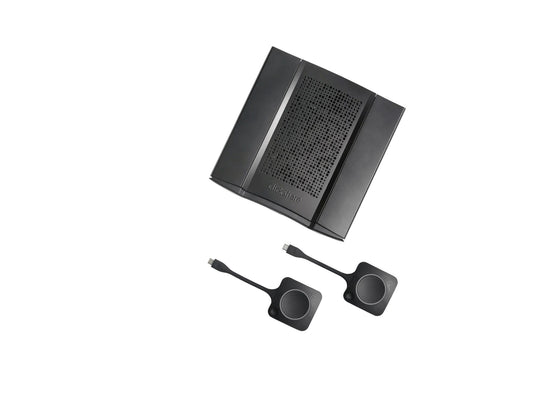
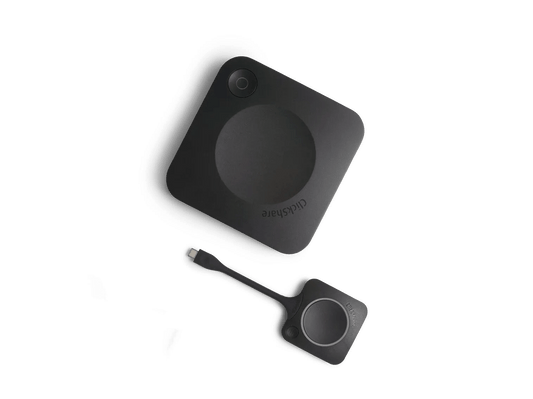
Wireless presentation and screen-sharing systems — button-based and app-based — from Barco, Specktron, MAXHUB and others.

What it is actually for

Removing the moment where a guest crawls under a table looking for the right cable while a board waits. That is the whole value proposition, and whether it is worth paying for depends entirely on who uses the room.

Who uses the room decides the spend

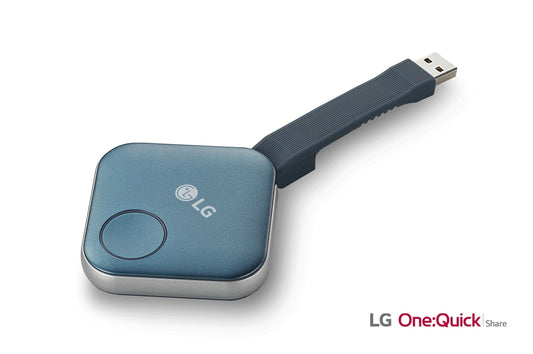
Client-facing and executive rooms. A button-based system such as Barco ClickShare is easy to justify: a visitor plugs in a button and is on screen in seconds with no software, no network join and no IT involvement. The friction it removes is visible to the people whose opinion matters most.

Internal training and teaching rooms. The same staff use them every week, and the panel’s own built-in casting usually does the job for nothing. A mid-range wireless system or the panel’s native screen-share is the sensible specification, and the difference per room funds other parts of the project.

Paying premium wireless prices for rooms that never see an outside visitor is one of the more common ways an AV budget gets spent without anyone noticing the benefit.

Check the network first

App-based systems need the presenter’s device and the room to reach each other, which guest-network policies often prevent. Button-based systems sidestep it. Confirm with IT before specifying app-based across an estate.

Buying and support

Quote-only. Related: Room Systems, Cables & Adapters.

Send room counts, how many are visitor-facing, and countries for delivered and installed pricing.

Wireless Presentation & Screen-Sharing Systems for GCC & Africa

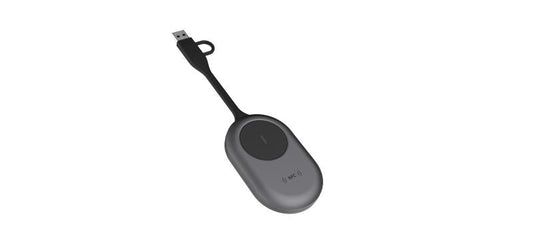
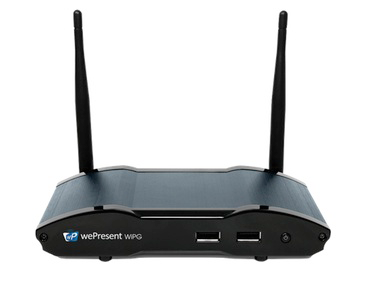
Wireless presentation systems remove the cable scramble from meetings and lessons, letting participants share a laptop, tablet or phone to the main display at the tap of a button or dongle. A receiver connects to the panel or projector, while transmitter buttons or built-in apps mirror content instantly, keeping the room focused on the discussion rather than the connection.

To choose the right system, consider how people will present: plug-and-play USB or USB-C buttons suit guest-heavy boardrooms, while software-based casting suits BYOD environments. Check support for Windows, macOS, iOS and Android, and confirm whether you need multi-user split-screen for collaborative sessions. Match the system to room size and network conditions, and verify it complements your video conferencing platform so Teams and Zoom calls run smoothly alongside shared content.

Common deployments include corporate huddle rooms, university seminar spaces, training centres and government meeting rooms, where quick, secure sharing improves productivity and reduces support calls. A reliable wireless workflow also keeps visitors moving without IT intervention.

We supply and deliver wireless presentation systems across the GCC and Africa, serving Dubai, Abu Dhabi, Riyadh, Jeddah, Doha, Kuwait, Muscat, Manama, Lagos, Nairobi, Accra, Johannesburg and Cairo, with some models imported to order. Hardware is covered by the manufacturer's OEM warranty with our supplier assistance. Request a quote for your rooms.